What is Google Earth Studio?
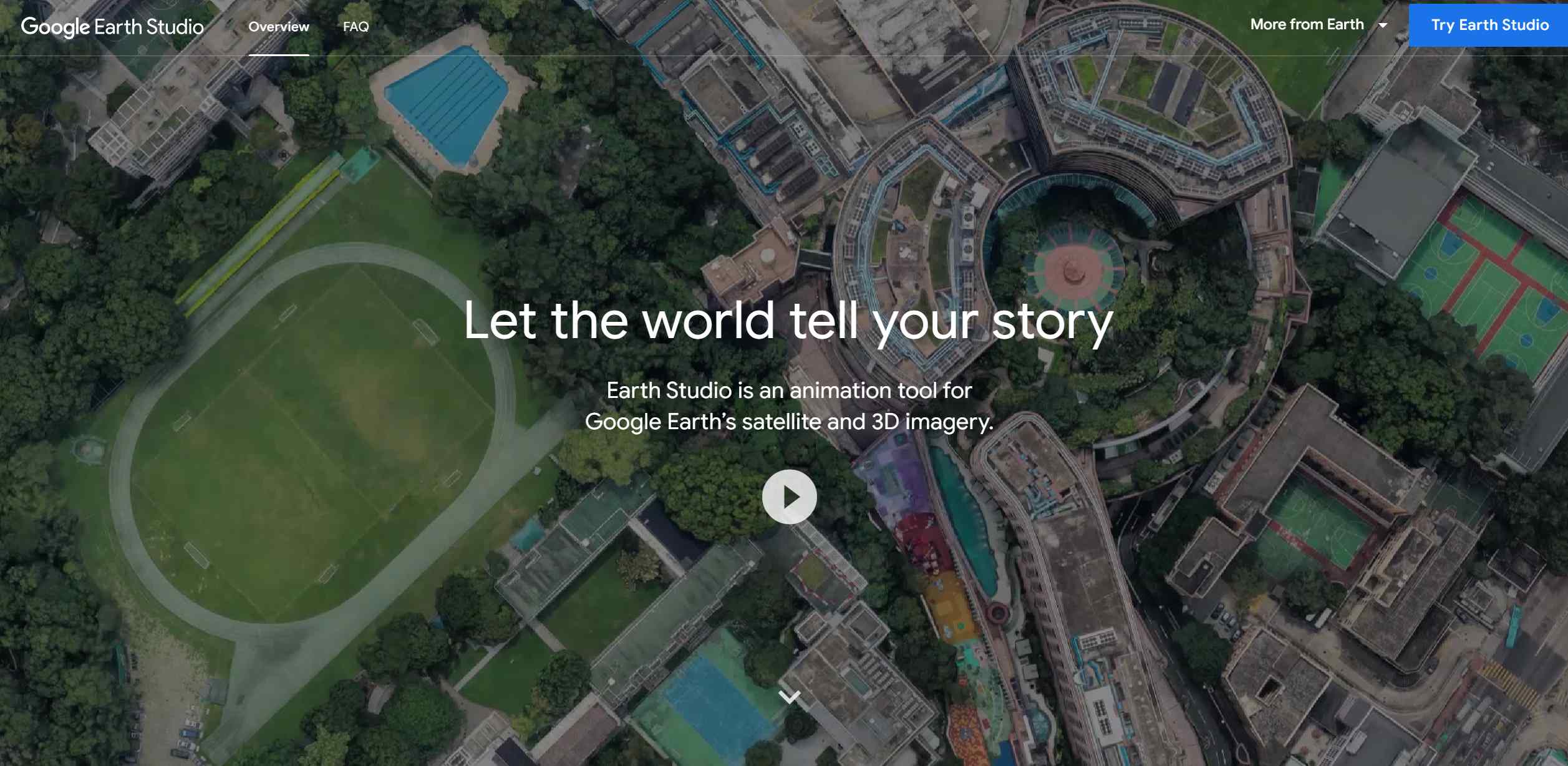
Google Earth Studio is a powerful animation platform that leverages the vast satellite and 3D imagery of Google Earth to create breathtaking, cinematic animations. It empowers creators to craft stories with geographical context, utilizing the beauty of Earth's landscapes and cityscapes.
Key Features:
- Keyframe Animation: Allows precise control over camera movements and animations, similar to professional animation software.
- Quick-Start Templates: Includes easy-to-use templates for creating animations such as orbits or point-to-point transitions, perfect for beginners.
- Customizable Effects: Enables adjustments to elements like the sun's position and field of view for added realism.
- 3D Camera Export: Seamlessly integrates with Adobe After Effects for advanced post-production enhancements.
Pros
-
Immersive Storytelling: Offers a unique way to tell stories with a geographic element.
-
Ease of Use: User-friendly interface and templates make it approachable for all skill levels.
-
High-Quality Imagery: Utilizes Google Earth’s high-resolution visuals for stunning animations.
-
Cost-Free Access: Completely free to use, making it ideal for educators and creators on a budget.
Cons
-
Browser Dependency: Limited to the desktop version of Google Chrome.
-
Learning Curve: Some features may take time to master, despite the intuitive interface.
-
Limited Export Options: Restricts camera exports to Adobe After Effects, which might not fit all workflows.
Who is Using Google Earth Studio?
- Filmmakers and Animators: Creating dynamic backdrops and establishing shots for visual projects.
- Broadcast Media Professionals: Adding geographical context to enhance news stories.
- Educators: Making geography and history lessons more interactive and engaging.
- Marketing Teams: Crafting visually compelling narratives for advertisements and promotional content.
- Specialized Use Cases: Urban planners and environmentalists utilizing it for project visualizations and climate-related storytelling.
Pricing:
- Free Access: Available at no cost, but requires a Google account for access.
Disclaimer: Please visit the official website for the latest details on accessing Google Earth Studio.
What Makes Google Earth Studio Unique?
Google Earth Studio combines real-world geography with advanced animation tools, offering an unparalleled resource for creating geographic visual content. Its ability to animate real-world phenomena like the sun's position adds depth and realism to projects, making it a standout tool for storytelling and professional presentations alike.
Compatibilities and Integrations:
- Browser Compatibility: Optimized for the desktop version of Google Chrome.
- Post-Production Integration: Works seamlessly with Adobe After Effects for detailed editing.
- Google Account Integration: Requires a Google account for access and management.
- Data Export: Supports exporting project data for use in other production environments.
Google Earth Studio Tutorials:
Comprehensive tutorials and documentation are available on the official website, helping users master both basic and advanced features of the tool.
How We Rated It:
- Accuracy and Reliability: 4.8/5
- Ease of Use: 4.5/5
- Functionality and Features: 4.7/5
- Performance and Speed: 4.6/5
- Customization and Flexibility: 4.3/5
- Data Privacy and Security: 4.9/5
- Support and Resources: 4.7/5
- Cost-Efficiency: 5.0/5
- Integration Capabilities: 4.4/5
- Overall Score: 4.7/5
Summary:
Google Earth Studio is a groundbreaking tool for creators, educators, and professionals, offering an intuitive platform to produce high-quality geographic animations and videos. Its integration with Google Earth's visuals and Adobe After Effects makes it a versatile and essential asset for storytelling, education, and marketing. Whether you are a professional animator or a curious hobbyist, this tool provides the resources to bring your ideas to life.