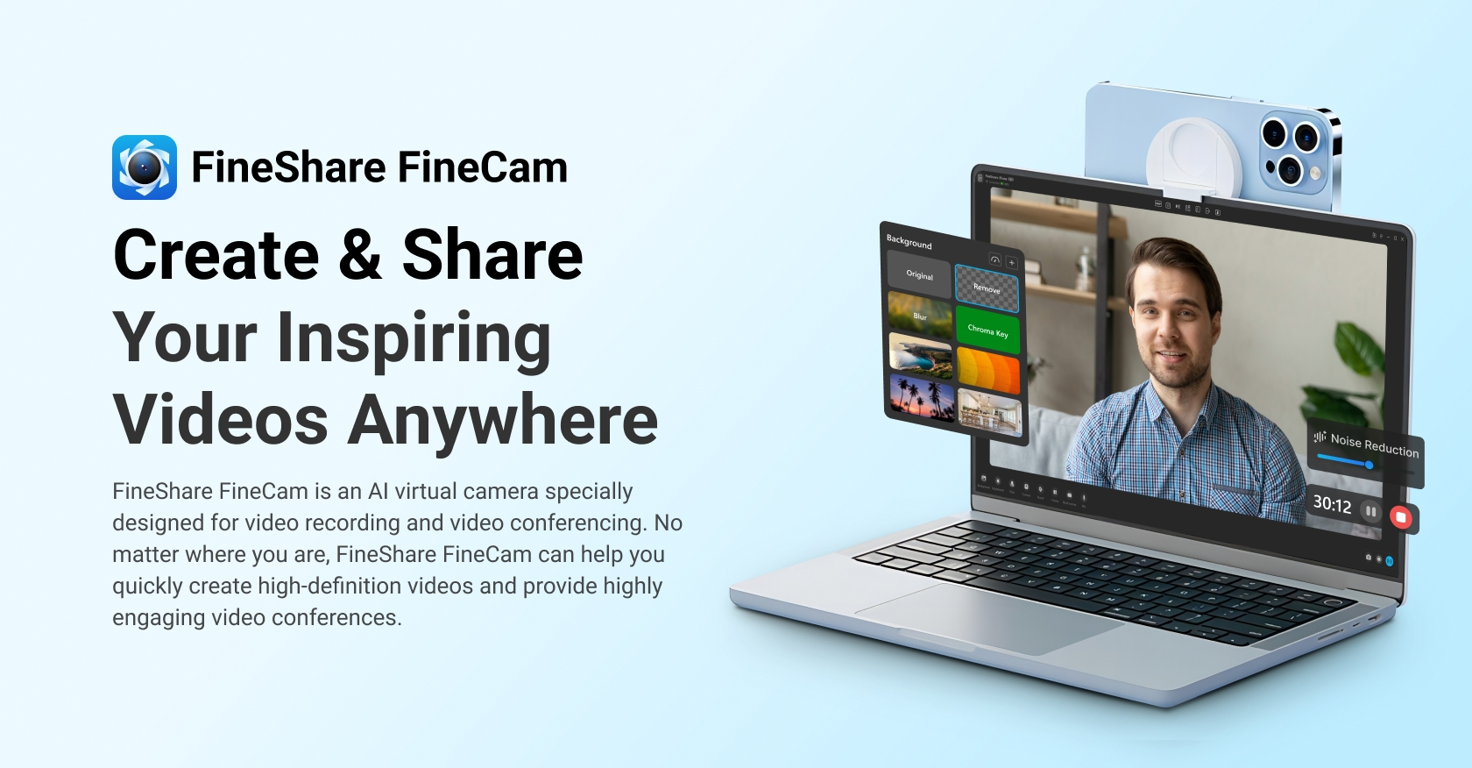
What is FineCam?
FineCam is an AI-powered virtual camera software designed to simplify video production and enhance quality. It features the ability to turn your iPhone into a 4K HD webcam, removing webcam background, adding webcam effects and color, multi-scenes, brand logo, and overlay. It works with all your favorite video calling and streaming apps such as Zoom, Microsoft Teams, Twitch, OBS, Adobe Premiere Pro, etc.
Key Features:
- AI Enhancement: Utilizes deep learning for real-time video processing and autofocus.
- Multi-Scene Support: Allows seamless switching between different scenes for dynamic presentations.
- Virtual Backgrounds: Use PowerPoint slides, YouTube videos, and web pages as backgrounds.
- Wide Compatibility: Works with all popular video calling or streaming applications.
- Access to Unsplash: Provides millions of stunning video background scenes from Unsplash.
Pros
-
Turns iPhone into 4K webcam: Easy setup to enhance video quality.
-
Real-time background removal: Maintains privacy during calls.
-
Advanced adjustments: Provides tools to refine video quality.
Cons
-
Only works with iPhones: May limit accessibility for Android users.
-
Requires Unsplash for backgrounds: Limits user customization.
What Makes FineCam Unique?
FineCam stands out due to its AI-powered features that simplify the video production process and enhance quality without requiring extensive technical skills. Its unique ability to integrate with various platforms and support for customizable branding templates add significant value for content creators and professionals alike.
Compatibilities and Integrations:
- Cross-Platform: Compatible with Windows and MacOS.
- Works with Popular Apps: Seamlessly integrates with Zoom, OBS, Microsoft Teams, and more.
How We Rated It:
- Accuracy: 4.2/5
- Ease of Use: 4.5/5
- Functionality: 4.4/5
- Performance: 4.5/5
- Overall Rating: 4.4/5
Summary:
FineCam is an impressive tool that leverages AI to transform the way we create and share video content. Its range of features, from background removal to real-time processing, makes it a valuable asset for anyone seeking to produce high-quality video content efficiently.